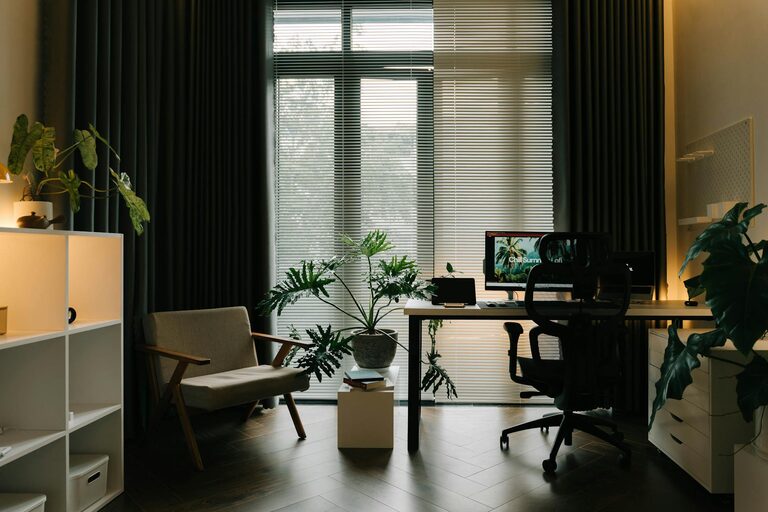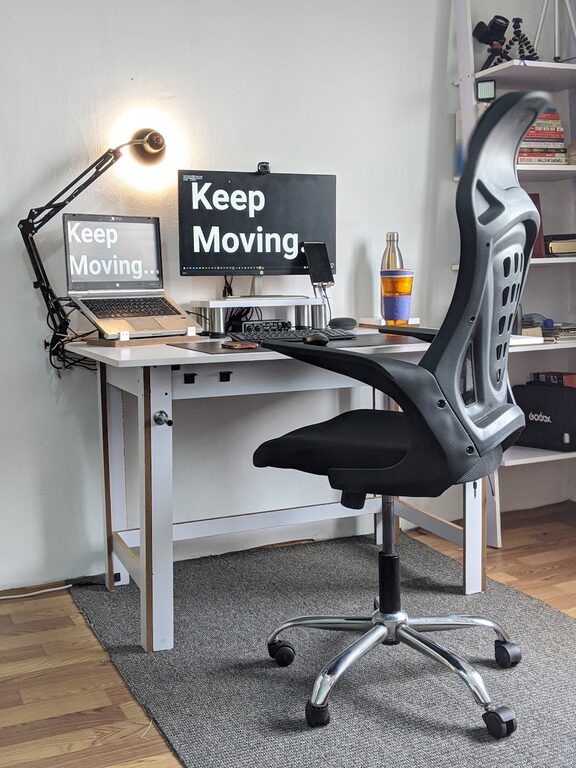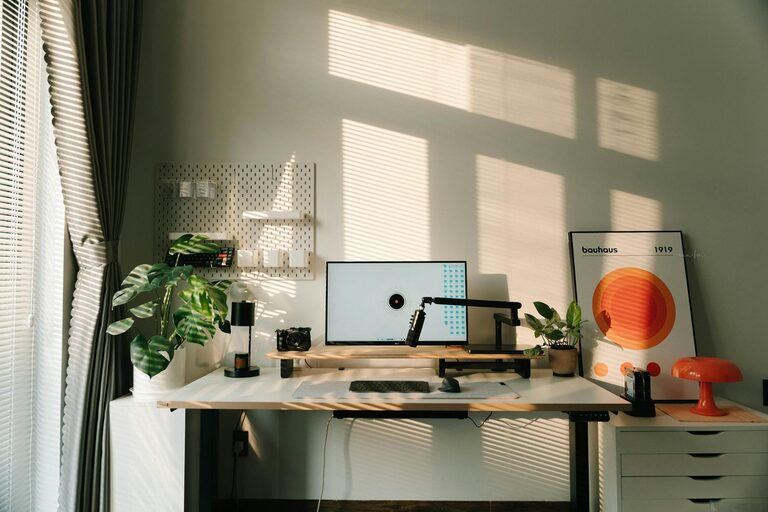
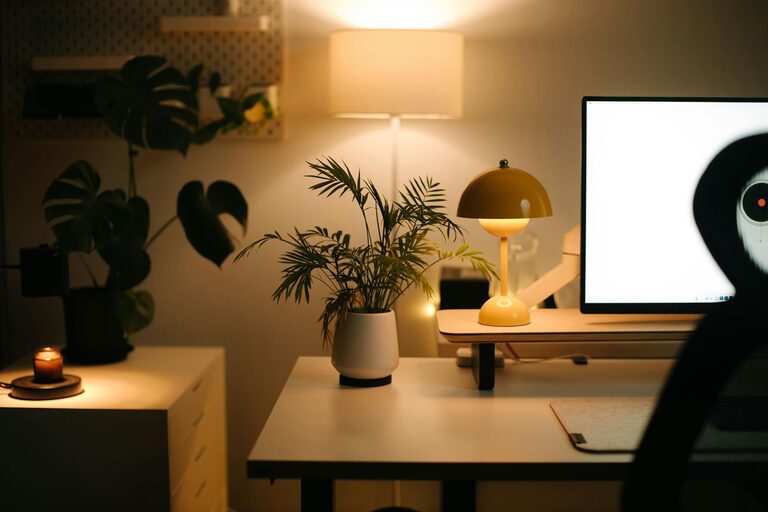
Creating a cozy and productive home workspace is essential for anyone who works remotely or spends significant time on personal projects at home. A well-designed space can help you stay focused, motivated, and comfortable, making your workday more efficient and enjoyable. Whether you have a dedicated room or just a small corner, here are some practical tips to help you create the perfect home workspace.
Choose the Right Location
Selecting the right spot for your workspace sets the foundation for productivity and comfort.
– Natural Light: If possible, pick a space near a window. Natural light helps reduce eye strain and improves mood.
– Quiet Area: Find a spot away from high-traffic zones or noisy appliances to minimize distractions.
– Space Considerations: Ensure there is enough room for your desk, chair, and any equipment you need without feeling cramped.
Invest in Comfortable and Supportive Furniture
Comfort plays a big role during long hours of work.
– Ergonomic Chair: Choose a chair that supports your back and promotes good posture. Adjustable features are ideal.
– Desk Height: A desk at the proper height helps reduce strain on your wrists and shoulders.
– Flexible Options: Consider a sit-stand desk or a setup that allows you to change positions throughout the day.
Organize Your Workspace Efficiently
An organized workspace can reduce stress and save time.
– Declutter Regularly: Remove unnecessary items to keep your desk clean and inviting.
– Storage Solutions: Use shelves, drawers, or organizers to keep supplies and documents in order.
– Cable Management: Tame cords with clips or cable boxes to avoid tangles and keep your desk tidy.
Personalize to Make It Cozy
Adding personal touches makes your workspace inviting and comfortable.
– Decor: Include artwork, photos, or plants to create a pleasant environment.
– Lighting: Use a desk lamp or soft lighting to add warmth and reduce harsh overhead lights.
– Textiles: Soft rugs, cushions, or throws can enhance comfort and coziness.
Minimize Distractions
Maintaining focus is crucial for productivity.
– Noise Control: Use noise-cancelling headphones or play gentle background music if it helps.
– Digital Focus: Turn off non-essential notifications or use apps to limit distractions on your devices.
– Clear Boundaries: Communicate your work hours and space boundaries with household members if possible.
Optimize for Technology
Your tech setup should support your workflow efficiently.
– Reliable Internet: Ensure your connection is fast and stable.
– Proper Equipment: Use a good-quality monitor, keyboard, and mouse to reduce fatigue.
– Backup Power: Consider a power strip with surge protection to safeguard your devices.
Maintain a Healthy Routine
A workspace isn’t just about the physical setup; your habits matter too.
– Take Breaks: Regular breaks help reduce eye strain and boost focus.
– Stay Hydrated: Keep a water bottle nearby.
– Stretch and Move: Incorporate short stretches or movement to keep your body comfortable.
Regularly Refresh Your Space
Periodically updating your workspace can renew your sense of motivation.
– Rearrange Furniture: Changing the setup might improve comfort or inspire creativity.
– Add New Items: Swap out decor or supplies to keep the space interesting.
– Deep Clean: A thorough cleaning can enhance your overall work environment.
—
Creating a home workspace that balances coziness with productivity doesn’t require a large budget or complicated redesign. By focusing on comfort, organization, and personalization, you can craft a space that supports your work and well-being every day. Start with one or two changes and build on them over time to find the perfect setup for you.
About the Author